
How Our Email Countdown Timer Works
At Countdown Builder, we've made adding a dynamic, attention-grabbing countdown timer to your email campaigns simple. Here's how it works — and more importantly, how it drives results for your business.
What is an Email Countdown Timer?
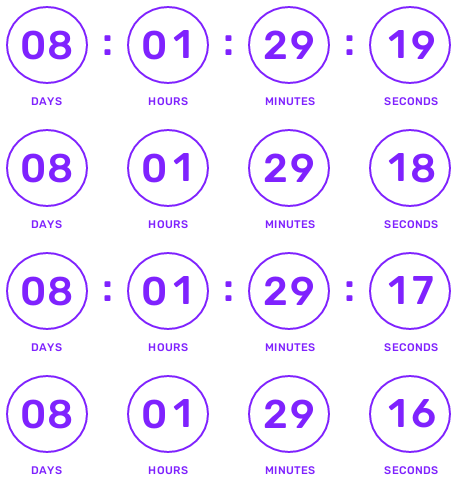
An email countdown timer is a live, animated visual — typically an animated GIF — that counts down to a specific deadline or event.
Because it's generated in real time on our server and refreshed each time the email is opened, it brings urgency and clarity to your message. Whether you're promoting a flash sale, sending a webinar reminder, or launching a new product, a countdown timer turns passive readers into action takers.

How It Works With Countdown Builder
Design Your Timer
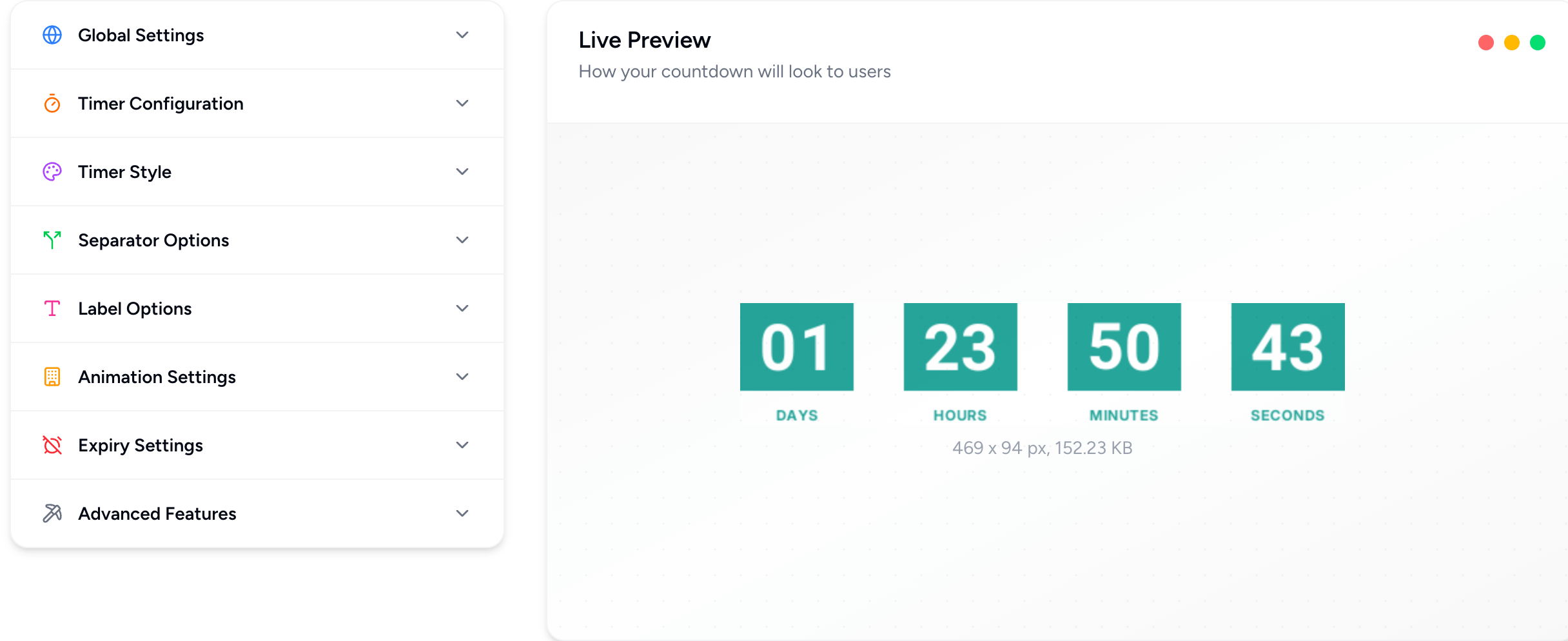
Use our intuitive timer builder to create a countdown timer that matches your brand's style. Choose from 30+ unique templates, adjust colors, fonts, and dimensions, and set the end date and time for your campaign. No coding skills are required, and setup takes seconds.
Generate the Timer
Once created, our system instantly generates a live animated GIF.
Embed into Your Email Campaign
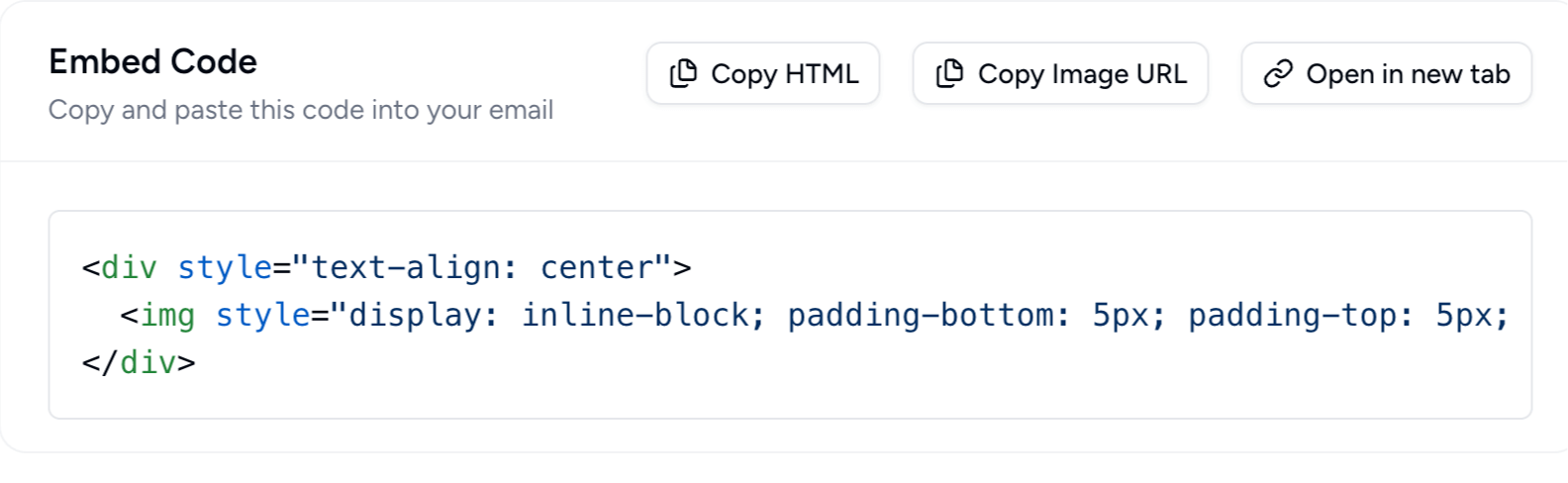
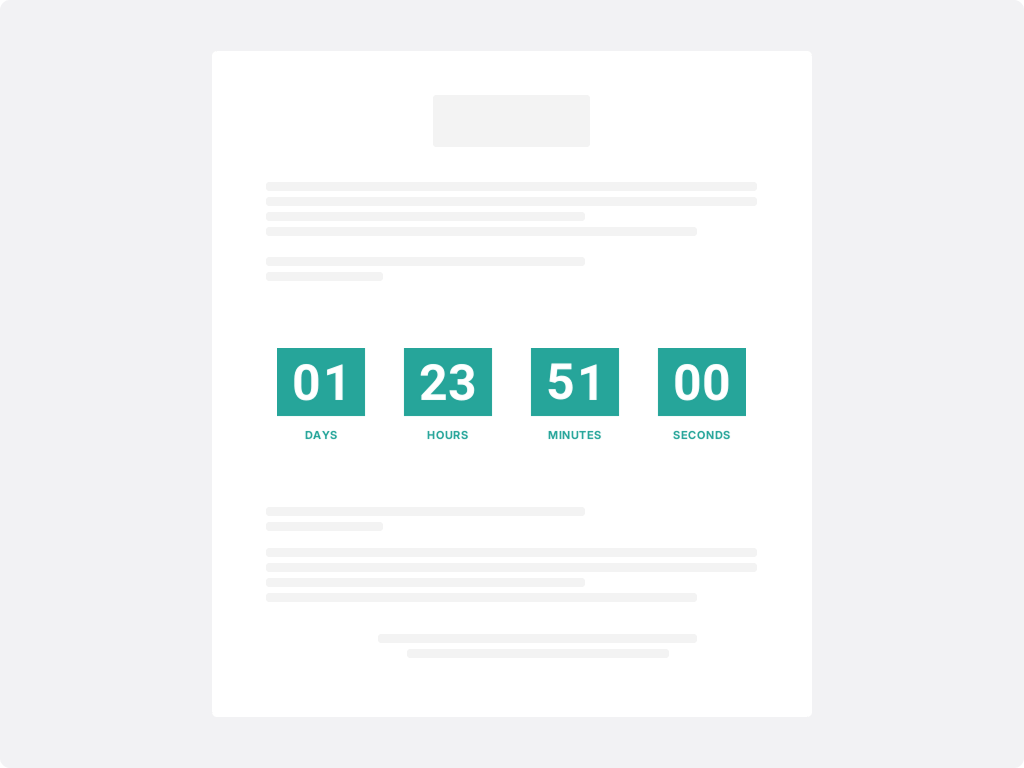
Copy the single line of HTML embed code and paste it into your email template or within your ESP (Mailchimp, Klaviyo, Constant Contact and more). No extra tools needed; the timer just works.
Why Email Countdown Timers Drive Results
Instant urgency
A moving clock visually signals "Act now" rather than "Maybe later."
Stronger engagement
Our timers stand out in the inbox, draw the eye and increase click-through rates.
Reliable across platforms
Works seamlessly in all major email clients and devices.
Personalised & evergreen
You can start a countdown based on when each recipient opens the email—perfect for evergreen campaigns or personalized deadlines.
Use Cases You Can Deploy Today
Pro Tips for Maximum Impact
Place it prominently: Put your timer above the fold or right next to your primary CTA for immediate visibility.
Match your brand: Customize it so it complements the rest of your email design rather than standing out awkwardly.
Test across devices: Preview your campaigns in different email clients and screen sizes to ensure the timer displays correctly.
Use it wisely: When overused, timers lose their novelty. Save them for your most important, time-sensitive campaigns.