Blog

Latest updates, tutorials and guides from Countdown Builder.

Email Countdown Timer Alternative: Why Countdown Builder is the Superior Choice for Boosting Email Conversions
Alternative

Email Countdown Timer Alternative: Why Countdown Builder is the Superior Choice for Boosting Email Conversions

In the fast-paced world of email marketing, creating urgency is key to driving clicks, conversions, and sales. Countdown timers embedded in emails are a proven tactic—they tap into FOMO (fear of missing out) and push subscribers to act before it's too late. But not all email countdown timer tools are created equal. If you're frustrated with limited customizations, watermarks, or restrictive view limits, it's time to explore a true email countdown timer alternative.
How to Add a Countdown Timer to Kit Email Campaigns Using Countdown Builder
Email Marketing

How to Add a Countdown Timer to Kit Email Campaigns Using Countdown Builder

Supercharge your Kit email marketing campaigns with a countdown timer using Countdown Builder. As Kit (formerly ConvertKit) empowers creators to build relationships through personalized emails and automations, adding a Kit countdown timer creates urgency, boosts engagement, and drives conversions for flash sales, product launches, or limited-time offers. In this SEO-optimized guide, we'll show you how to add a countdown timer in Kit step-by-step, featuring the latest Countdown Builder tools as of October 2025.

Tired of MailTimers’ View Limits? Discover the Ultimate Free & Unlimited Alternative for Email Countdown Timers
Alternative

Tired of MailTimers’ View Limits? Discover the Ultimate Free & Unlimited Alternative for Email Countdown Timers

Hey email marketers! If you’re using MailTimers to amp up the urgency in your campaigns with those slick countdowns for sales, events, or webinars, it’s a go-to for dynamic visuals that pop in inboxes. But let’s face it—those monthly view caps (like the free plan’s 100,000 impressions or even the pricier tiers topping out at 10 million) can hit hard for high-volume senders, especially when overages kick in at your plan’s per-view rate.

Customize Your Countdown Timers with Custom Labels in Countdown Builder!
Email Marketing

Customize Your Countdown Timers with Custom Labels in Countdown Builder!

Hey there, email marketers and campaign wizards! If you've been using Countdown Builder to supercharge your emails with urgency-driving timers, we've got some fantastic news that'll make your next campaign even more on-brand. Today, we're thrilled to announce the launch of our Custom Label Feature—a game-changer for personalizing those ticking countdowns to perfection.

The Best Sendtric Alternative: Why Countdown Builder is the Top Email Countdown Timer Tool in Late 2026
Email Marketing

The Best Sendtric Alternative: Why Countdown Builder is the Top Email Countdown Timer Tool in Late 2026

In the fast-paced world of email marketing, creating a sense of urgency is one of the most effective ways to boost open rates, clicks, and conversions. Countdown timers have become indispensable for flash sales, product launches, webinar reminders, abandoned cart recoveries, and holiday promotions. For years, Sendtric has been a popular choice among marketers, trusted by big brands like Google, HP, and Walmart for its reliable dynamic timers, high uptime (99.99%), and broad compatibility with email service providers (ESPs) like Mailchimp, Klaviyo, HubSpot, and more.

How to Add a Countdown Timer to Your Emails: Boost Engagement and Conversions in 2026
Email Marketing

How to Add a Countdown Timer to Your Emails: Boost Engagement and Conversions in 2026

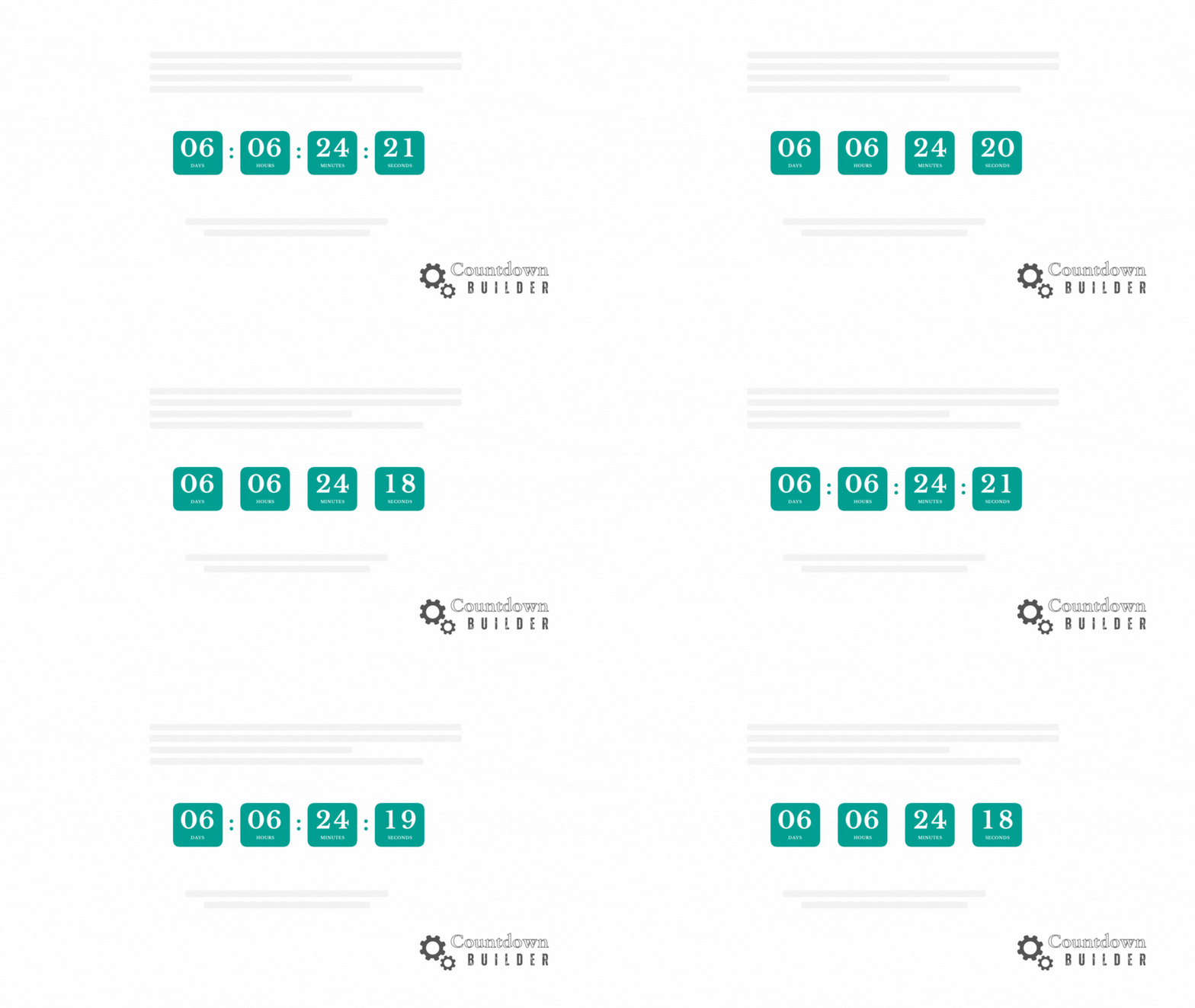
In the fast-paced world of email marketing, capturing attention and driving action is tougher than ever. Subscribers skim their inboxes in seconds, and standing out requires more than just compelling subject lines— it demands urgency. Enter email countdown timers: dynamic, ticking clocks that count down to a deadline, creating a sense of scarcity and FOMO (fear of missing out) that can skyrocket click-through rates and conversions.

Supercharge Your Email Campaigns with Countdown Builder’s New Circle and Rounded Rectangle Timers
Email Marketing

Supercharge Your Email Campaigns with Countdown Builder’s New Circle and Rounded Rectangle Timers

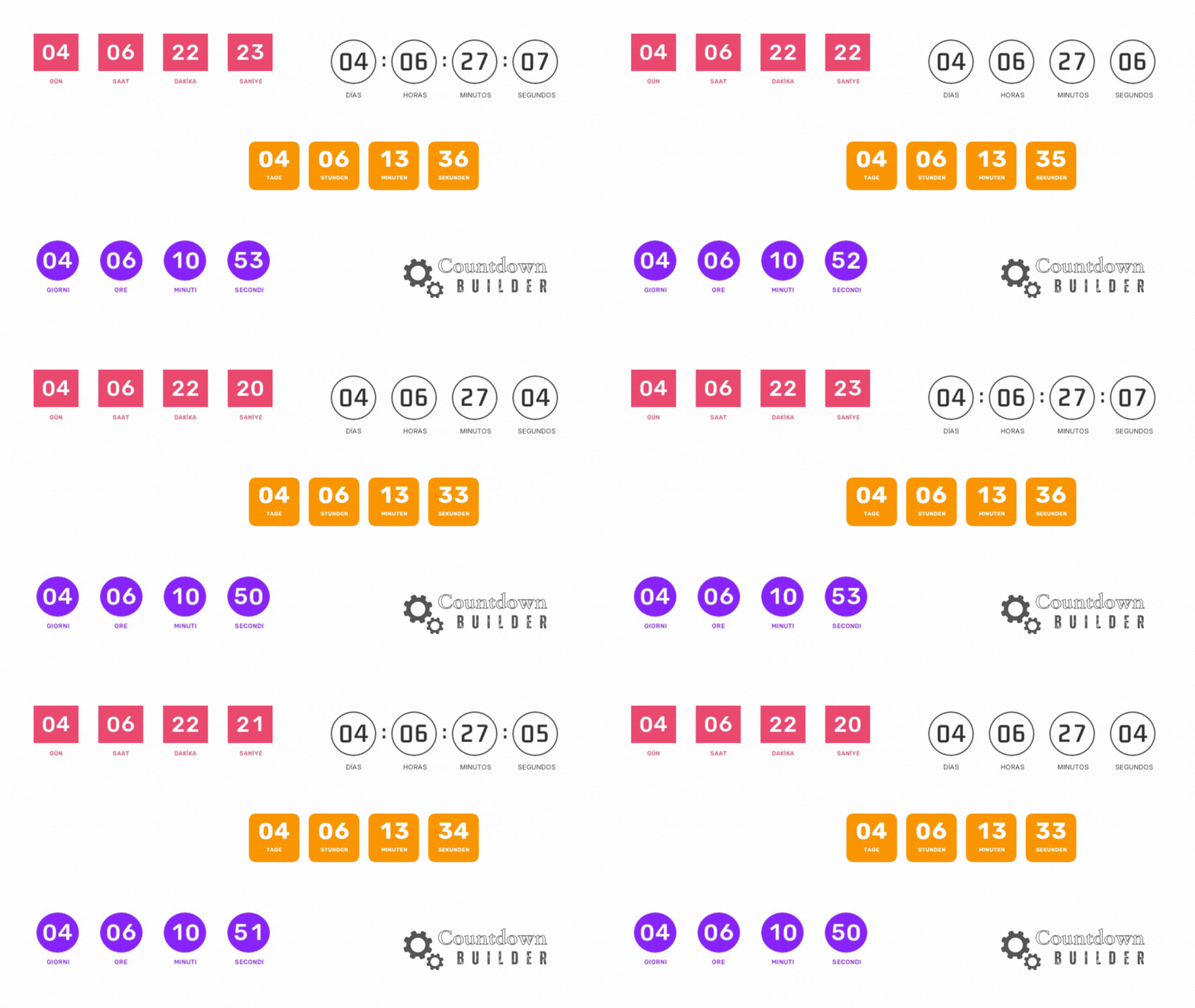
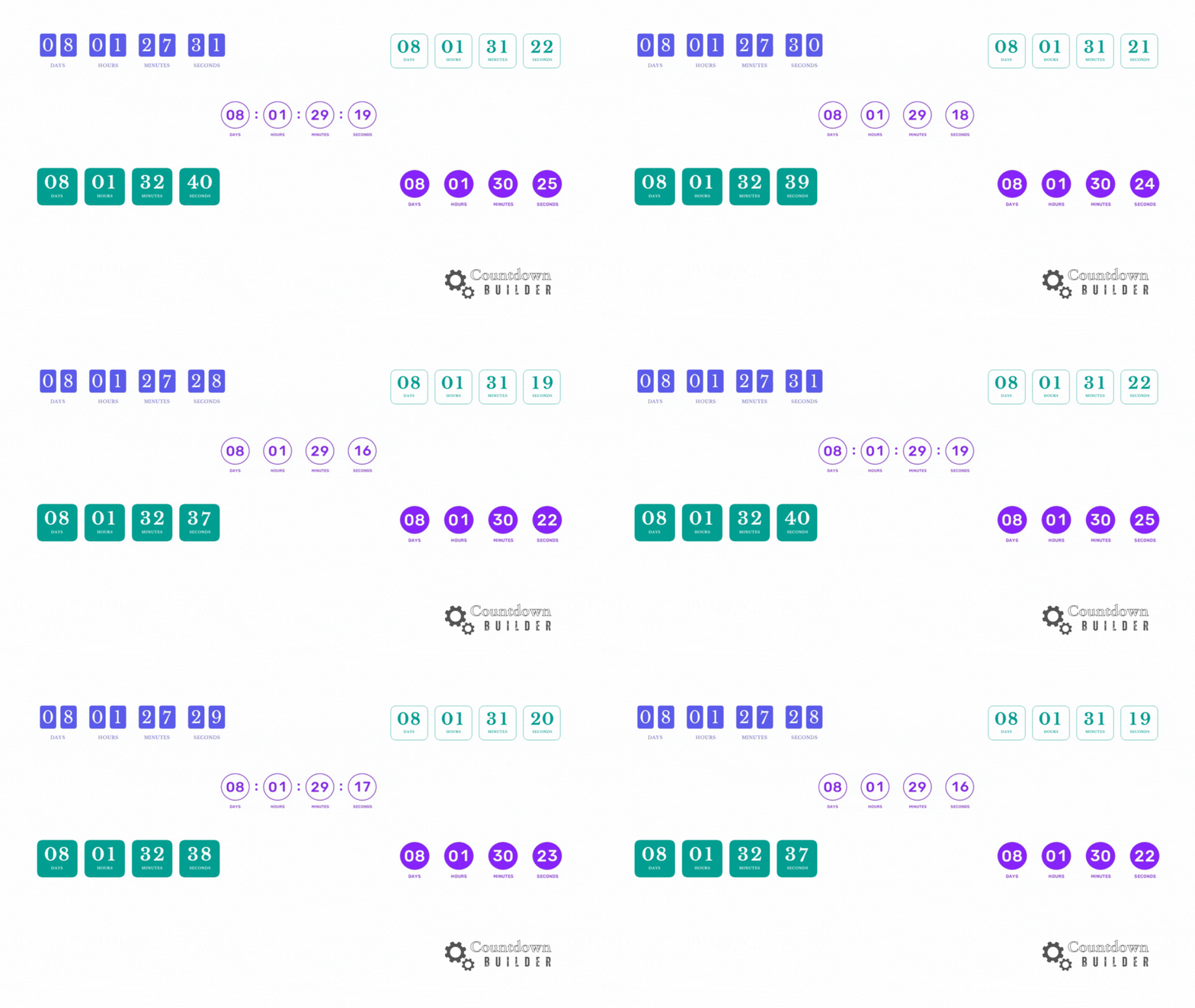
Are you ready to make your email campaigns more captivating and conversion-driven? CountdownBuilder has just rolled out an exciting update that introduces circle and rounded rectangle timer designs, adding a fresh layer of style and urgency to your emails. These new features, combined with Countdown Builder’s powerful tools, make it easier than ever to create dynamic, brand-aligned countdown timers that drive action. Let’s explore how these updates can elevate your email marketing strategy in 2025!

How to Use an Email Countdown Timer in Omnisend to Boost Engagement
Email Marketing

How to Use an Email Countdown Timer in Omnisend to Boost Engagement

Want to create urgency and drive conversions in your email campaigns? Adding an email countdown timer in Omnisend is a fantastic way to capture attention and encourage action. With Countdown Builder, you can easily design and embed a customized countdown timer into your Omnisend email campaigns. In this guide, we’ll walk you through the step-by-step process to create and integrate a stunning countdown timer that aligns with your brand and campaign goals.

Previous
Page 2 of 4
Next